
Tenda TWL541R Wireless Router Quick Installation Service Manual


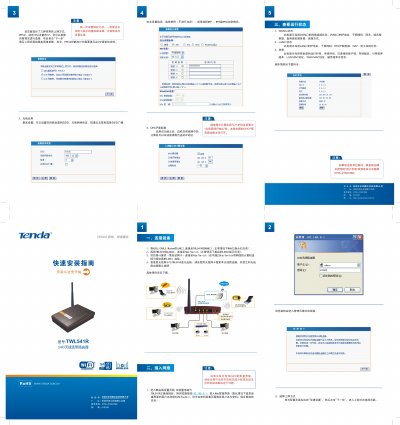
Tenda TWL541R Wireless Router Quick Installation Service Manual - cover page
Brand
Tenda
Category
Router
Document type
Installation Guide
Language
Chinese
Pages
1
File format
PDF
File size
1.1 MB
Published
20 March, 2012
Updated
29 March, 2012
Model
TWL541R
MD5 checksum
85EC37DA4F32B1CE945A86AFBC216B1C

About this manual

The guide walks you through installing and configuring the Tenda TWL541R router. It starts with connecting the ADSL/CABLE modem to the WAN port, linking LAN ports to a hub or switch, and accessing the web interface.

Key sections include selecting the internet connection type (PPPoE, Dynamic IP, Static IP), configuring basic and wireless settings (SSID, channel, security mode), enabling the DHCP server, and checking WAN/LAN status and system information. This manual is written in Chinese.

What's inside

  • Setup Wizard
  • Basic Settings
  • Wireless Settings
  • Security Settings
  • DHCP Server
  • Connecting Devices
  • Viewing Operation Status
  • WAN Port Status
  • LAN Port Status
  • System Information

Specifications

Default usernameadmin

Frequently asked questions

How can I enable the DHCP server?

In the DHCP Server section enable the function; the router will then assign IP addresses automatically to devices on the LAN.

Download PDF (1.1 MB)

More Tenda Manuals


View all Tenda manuals →