
The TWL542U 54M Wireless USB Card is a wireless card that supports the IEEE802.11g/b wireless communication standard, supports WEP encryption technology and the latest WPA encryption protocol, and has a wireless roaming function, which can be moved between different APs. More flexible; plug and play, easy to install, support all WINDOWS series operating systems.
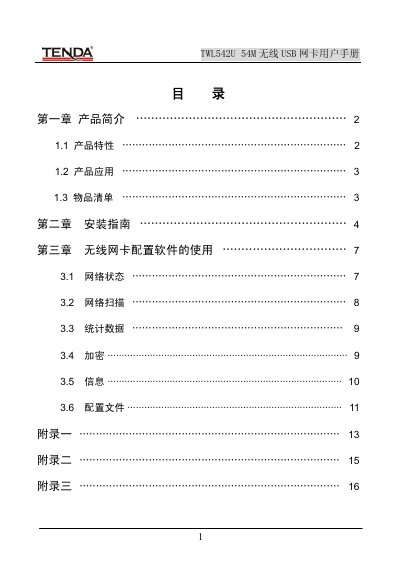
This manual introduces the Tenda TWL542U 54 Mbps wireless USB network card, its features, supported standards (IEEE 802.11g/b), and typical applications such as mobile office connectivity and temporary network setups. It also lists the items included in the package.
The guide walks you through installing the driver and utility software on Windows systems, explains how to use the configuration utility to view network status, scan for access points, manage encryption settings, and view device information. Appendices provide troubleshooting tips, terminology definitions, and detailed product specifications. This manual is written in Chinese.
| Supported Standards | IEEE802.11g, IEEE802.11b, IEEE802.11e (QoS) |
|---|---|
| USB Interface | USB 1.1, USB 2.0 |
| Frequency Range | 2.4 ~ 2.4835 GHz |
| Transmission Speeds | 54, 48, 36, 24, 18, 12, 9, 6, 11, 5.5, 2, 1 Mbps |
| Transmit Power | 20 dBm (max) |
| Modulation Technology | OFDM, CCK |
| Operating Temperature | 0 °C ~ 40 °C |
| Storage Temperature | -20 °C ~ 90 °C |
| Operating Humidity | 10 % ~ 90 % (non‑condensing) |
The device can achieve up to 54 Mbps depending on the selected transmission mode.
Visit Tenda’s support site at www.tenda.com.cn → Technical Support → Download Center for the latest drivers and troubleshooting guides.