
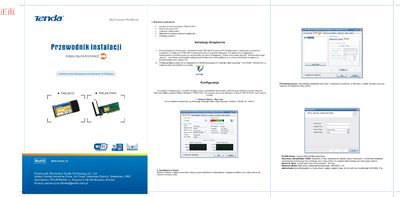
This guide explains how to install the Tenda TWL541C/P wireless LAN adapter in a PC or laptop. It includes steps for inserting the card, installing drivers via CD, and configuring network settings using the setup program. The guide also covers managing network profiles and viewing network status.
The adapter supports IEEE 802.11b/g standards and allows configuration of wireless mode, encryption, and transmission rates. Users can save and manage multiple network profiles for different network environments. This manual is written in Polish.
The package contains the wireless device, installation CD, user manual, quick installation guide, and quality certificate.
Insert the TWL541P card into the computer's PCI port.
The network type can be set to Infrastructure or Ad-Hoc.
It restores the device's factory default settings.