
This document describes the product specifications, installation methods, features and characteristics of Shenzhen Tenda Technology Co., Ltd.
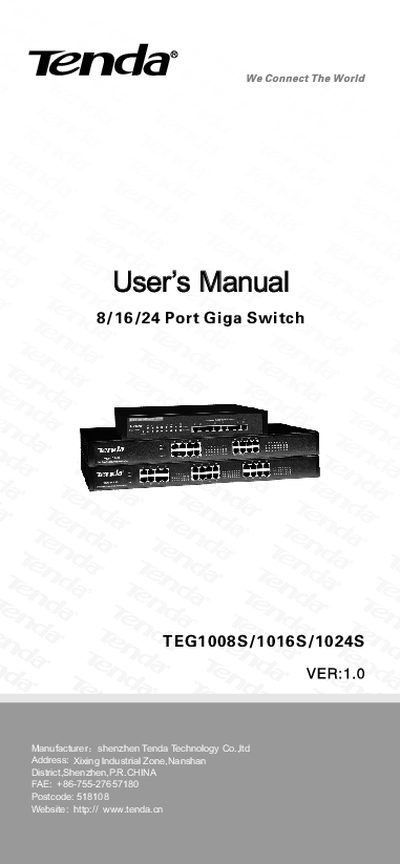
This manual describes the Tenda TEG1008S/1016S/1024S Giga Switch, a 8/16/24‑port 10/100/1000 Mbps Ethernet switch with auto‑negotiation, auto MDI/MDI‑X, and store‑and‑forward architecture. It lists the front and back panel layout, LED indicators, technical parameters, and performance specifications such as MAC address table size and forwarding rates.
Installation instructions cover desktop and rack mounting, power connection, ventilation requirements, and wiring to PCs, hubs, or other switches using straight‑through or crossover cables. The appendix provides RJ‑45 pinout details for 1000 Mbps operation.
| Port Quantity | 8/16/24 10/100/1000Mbps ports |
|---|---|
| MAC Address Table Size | 8K entries |
| Power Input | AC 100~240V 50/60Hz |
| Operating Temperature | 0°C~50°C |
| Operating Humidity | 5%~95% (no condensation) |
| Forwarding Rate (1000Mbps) | 1,488,000 pps per port |
Connect the PC to any port of the TEG1008S/1016S/1024S using a Category 5/6 UTP/STP cable; the switch’s auto MDI/MDI‑X lets you use either straight‑through or crossover cables.
The Power LED indicates power status, the Link/ACT LED shows link activity, and the 100M/1000M LEDs indicate the negotiated speed of each port.
Ensure a proper AC power connection, provide adequate ventilation, mount the switch using the supplied rubber pads and screws, and avoid placing heavy objects on the unit.