
Guide for installing and configuring Serviio on a Synology DS215j NAS.
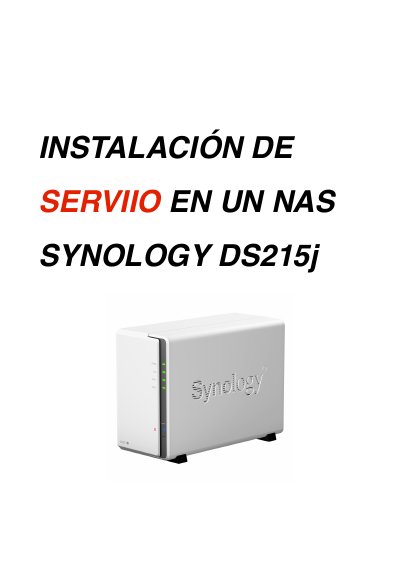
This guide explains how to install Serviio on a Synology DS215j NAS. It covers enabling the user home service, adding the Serviio package repository, installing or manually installing the package, installing Oracle Java Manager, and preparing the matching Serviio console.
It also describes opening TCP port 23424 in the NAS firewall, setting the console remote host to the NAS IP, configuring Serviio user permissions, adding media folders using NAS Linux path notation, and disabling the default NAS media server. This manual is written in Spanish.
| Serviio version | 1.4.1.2 |
|---|---|
| Serviio package file | serviio1.4.1.2-merged-0026.spk |
| Package repository | http://packages.pcloadletter.co.uk |
| Firewall port | 23424 TCP |
The same version already installed on the NAS, version 1.4.1.2.
Port 23424.
Use Add Path and enter the folder path in NAS Linux notation, such as Volumen1/public/videos.
Disable it.