
Step-by-step hardware installation and DSM setup guide for Synology DiskStation DS118.
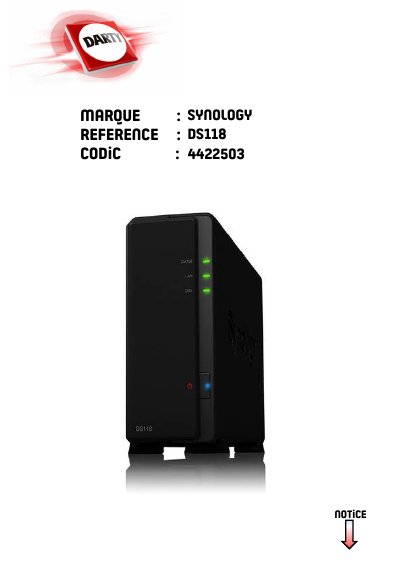
This guide walks you through unboxing, hardware installation, and DSM setup for the Synology DiskStation DS118. It covers safety precautions, disk installation, power connection, and using Web Assistant to install DSM. The guide also includes LED indicator descriptions and mobile app usage for remote management.
The document is in French and includes detailed diagrams and step-by-step instructions for connecting components, installing drives, and configuring the system for network use. This manual is written in French.
The box includes one main unit, one AC power adapter, one RJ-45 LAN cable, six hard drive screws, and three chassis screws.
Press the power button to turn on the DiskStation; to turn it off, press and hold the button until you hear a beep and the power LED starts blinking.
The DiskStation must be connected to the internet, and the computer must be on the same local network with a supported browser like Chrome or Firefox.
You can access DSM by entering 'diskstation:5000' in the browser address bar.