
This user manual covers the installation, operation, parameter setting, and troubleshooting for the SmartGen HMC6000RM Remote Monitoring Controller.
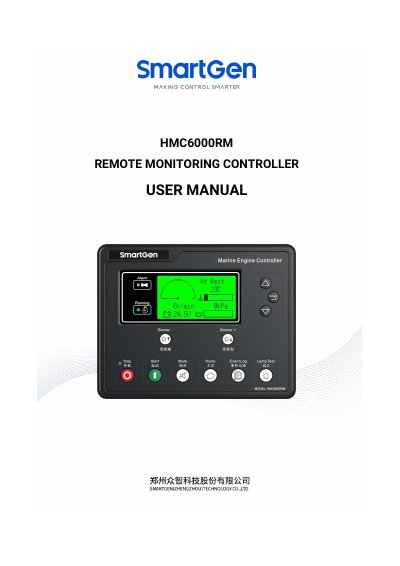
The HMC6000RM is a remote monitoring controller designed to integrate digitization, intelligentization, and network technology for single-unit generator systems. It features a 132*64 LCD display with optional Chinese or English interfaces and supports push-button operation. The device connects via CANBUS to local controllers (HMC6000A/HMC6000A2) to enable remote start/stop control, data measurement, alarm protection, and record checking.
| Working Voltage | DC8.0V to DC35.0V |
|---|---|
| Power Consumption | <3W (Standby mode: ≤2W) |
| Case Dimension | 197mm x 152 mm x 47 mm |
| Panel Cutout | 186mm x 141mm |
| Working Temperature | -25~70 ºC |
| Protection Level | IP55 |
Up to 16 HMC6000RMs can be connected simultaneously via a single EXPANSION port.
The manual recommends using 0.5mm² shielding wire with one end earthed.