
This user manual covers the Smartgen HOC300 over-current protection relay, detailing its overview, technical parameters, panel description, functions, and…
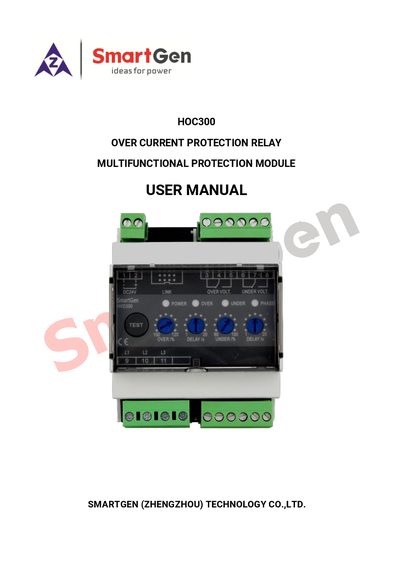
The Smartgen HOC300 Multifunctional Protection Module is an over-current protection relay designed for use in marine and land generator set fields. It accurately detects load current and activates trip or pre-trip relay outputs along with alarm protections when the current exceeds a set value.
The device features adjustable potentiometers for setting values and delay times, supports various phase configurations (3-phase 4-wire, 3-phase 3-wire, single phase 2-wire), and operates on a wide DC power supply range of 8V to 35V. It is designed for compact installation using a 35mm guide rail. This manual is written in Chinese.
| Working Voltage | DC 8.0V to 35.0V |
|---|---|
| Overall Consumption | <0.9W (Standby: ≤0.28W) |
| Pre-Trip Relay Output | 5A AC250V Volts free output |
| Trip Relay Output | 5A AC250V Volts free output |
| Case Dimensions | 89.7mm x 71.6mm x 60.7mm |
| CT Secondary Current Rated | 5A |
| Operating Temperature | -25~+70°C |
| Weight | 0.24kg |
It is suitable for 3-phase 4-wire, 3-phase 3-wire, single phase 2-wire, and 2-phase 3-wire systems with frequencies of 50/60/400Hz.
The setting value ranges from 50% to 140% of the rated current value (5A).
Parameters can be set via the LINK port using PC software and an SG72 adapter produced by Smartgen.