
User manual for the Smart Gen HGM6100U series controller that automates start/stop, monitoring and protection of generator sets.
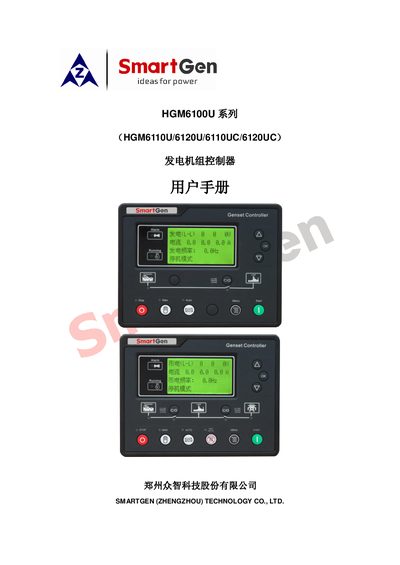
The HGM6100U series controller from Smart Gen provides digital, intelligent and networked automation for single generator sets. It features a 132 × 64 LCD with Chinese, English, Spanish and Russian language options, RS485 communication using MODBUS, and extensive sensor support.
The manual covers specifications, operation procedures, wiring diagrams, programming parameters, installation steps and troubleshooting to help users configure and maintain the controller in various power system configurations. This manual is written in Chinese.
| Working voltage | DC 8.0 V to 35.0 V |
|---|---|
| Power consumption | < 3 W (standby ≤ 2 W) |
| RS485 communication | MODBUS protocol |
| Protection rating | IP55 (with rubber seal between controller and screen) |
The LCD can be set to Chinese, English, Spanish or Russian.
It uses the MODBUS protocol.
The controller operates from 8 V to 35 V DC.
When the rubber seal is installed, the controller meets IP55.