
User manual for the SMARTGEN HMU15 controller that monitors and controls HGM9510 generator sets remotely.
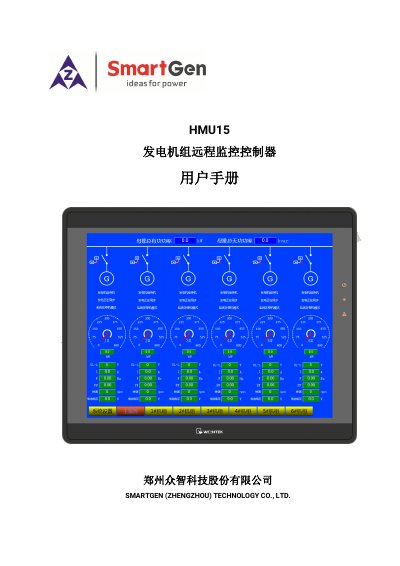
The HMU15 remote monitoring controller is designed for single or multiple HGM9510 generator set controllers, providing automatic start/stop, data measurement, alarm display, and three‑remote functions. It features a large backlit LCD, touch screen operation, multi‑level user permissions, and an ARM microprocessor core.
The device communicates via RS485, supports up to six generators, and includes modular, plug‑in wiring terminals for easy installation. The manual covers LCD operation, button functions, wiring diagrams, dimensions, and troubleshooting guidance. This manual is written in Chinese.
| Maximum monitored generators | 6 HGM9510 controllers |
|---|---|
| Communication interface | RS485 |
| Processor | High‑end ARM microprocessor |
| Display | Large LCD with backlight |
| Default engineer password | 0 |
It can monitor up to six HGM9510 generator set controllers.
The default engineer password is 0 and the technician password is 1.
Use shielded cable; for short distances the shield can be omitted.
Press the stop key while in stop mode to reset the alarm.