
The Pelco C6708M-C Fisheye camera operations manual explains how to access the web interface, use live view, and configure system, storage, network…
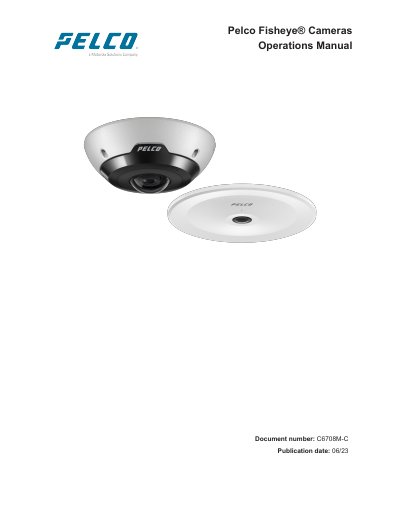
This operations manual (document C6708M-C, publication 06/23) covers Pelco Fisheye® cameras, made by Pelco, a Motorola Solutions company. It describes the camera web interface used to view live video and configure the camera through a browser after installation.
Topics include system requirements and supported browsers, accessing camera settings with the Motorola Camera Configuration Tool or web interface, creating the initial user, logging in and out, live view and still image capture, system settings such as general settings, firmware, storage, and diagnostics, network and security configuration, imaging and A/V streams, audio configuration, and event configuration including motion and sabotage detection.
| Maximum frame rate (12 MP) | 15 fps |
|---|---|
| Digital output active duration | 100 to 86,400,000 milliseconds |
| Auto logout after inactivity | 15 minutes |
| Sensor resolution | 4K (8 MP) or 12 MP |
Enter the camera's IP address into a web browser in the format http://
The Web UI automatically logs the user out.
No. Cameras do not have a default username and password and start in a factory default state.
Any Windows, Mac, or mobile device using a supported browser such as Microsoft Edge, Mozilla Firefox, or Google Chrome.