
Key facts
- Brand
- Pelco
- Model
- C6708M-C
- Category
- Other Electronics
- Industry
- Electronics
- Documents
- 2
- Languages
- EN
- Last added
- 2026-11-10
Start here
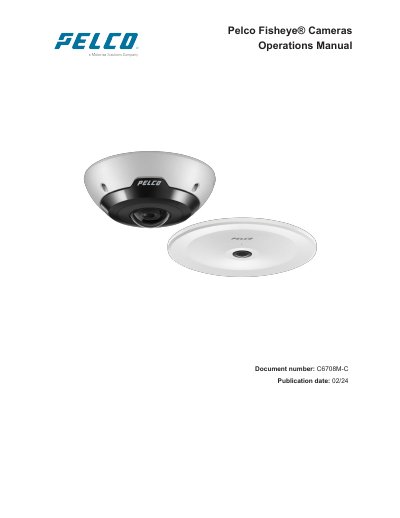
Pelco C6708M-C Fisheye Camera Operations Manual
User Manual 35 pages · 328 KB · EN
This manual provides instructions for operating the Pelco C6708M-C Fisheye camera via its web interface. It covers essential tasks such as creating initial users, logging in, and navigating the live view. The guide details how to configure general system settings, including camera identity, dewarp streaming modes, and power states.
Read onlinePelco C6708M-C specifications
| Maximum frame rate (12 MP) | 15 fps |
|---|---|
| Digital output active duration | 100 to 86,400,000 milliseconds |
| Auto logout after inactivity | 15 minutes |
| Sensor resolution | 4K (8 MP) or 12 MP |
All Pelco C6708M-C documents by type
User Manual 2
Day-to-day operation, settings and troubleshooting. Start here if the product is already set up.
Questions answered in these manuals
How do I access the camera web interface?
Enter the camera's IP address into a web browser in the format http://<camera IP address>/.
What happens after 15 minutes of inactivity?
The Web UI automatically logs the user out.
What browsers are supported for the web interface?
The web interface can be accessed using Microsoft Edge, Mozilla Firefox, or Google Chrome.
Does the camera have a default username and password?
No, cameras do not have a default username and password and are in a factory default state.