
The Peavey PFC 10 MIDI Foot Controller User Manual provides setup, operation, connection, and safety instructions for the device.
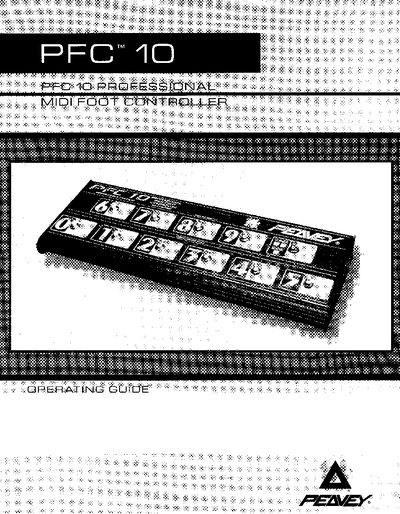
The PFC 10 Professional MIDI Foot Controller is a 11‑button, 20‑character by 2‑line LCD foot controller designed for use with Peavey Tube Fex or TransFex 212 or as a stand‑alone MIDI device. It offers full MIDI compatibility, control‑voltage inputs, and an integrated chromatic tuner.
The manual explains how to connect the controller, select programs, use tuner mode, and perform MIDI mapping, as well as safety precautions, warranty information, and required power supplies. It also details the controller’s front and rear panel functions and provides troubleshooting guidance.
| Number of buttons | 11 |
|---|---|
| Display | 20‑character by 2‑line LCD |
| Control Voltage inputs | 2 inputs for CV pedals |
| MIDI compatibility | Full (5‑pin or 8‑pin) |
| Phantom power source | Supplied via 8‑pin cable from Tube Fex/TransFex 212 |
| MIDI channel range | 1‑16 (user selectable) |
Use the supplied 8‑pin DIN cable; it provides power and bidirectional MIDI communication between the controller and the rack unit.
Press the Bank/Tuner button twice; the chromatic tuner will appear on the LCD display.