
The Panasonic KV‑S7075C high‑speed color scanner installation guide provides safety instructions, setup steps, software installation, and troubleshooting.
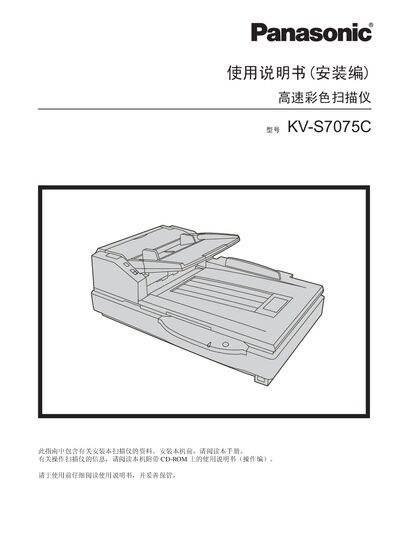
This guide covers safety precautions, required tools, and step‑by‑step installation of the KV‑S7075C scanner, including positioning, connecting the power cord and USB cable, and installing the supplied software. It also details system requirements, CD‑ROM contents, and how to uninstall the software if needed.
Additional sections explain how to view electronic manuals from the CD‑ROM, use the RTIV and PIE reference manuals, and perform basic troubleshooting such as checking the power indicator LED and resolving USB connection issues. This manual is written in Chinese.
| LED heat dissipation output | Maximum 12 mW |
|---|---|
| LED red wavelength | 630 nm |
Check that the power plug is fully inserted; if the LED still does not illuminate, disconnect the power and contact a qualified service technician.