
The Panasonic DVD‑S500 / DVD‑S700 Owner’s Manual provides setup, operation, safety instructions and specifications for the DVD/CD player.
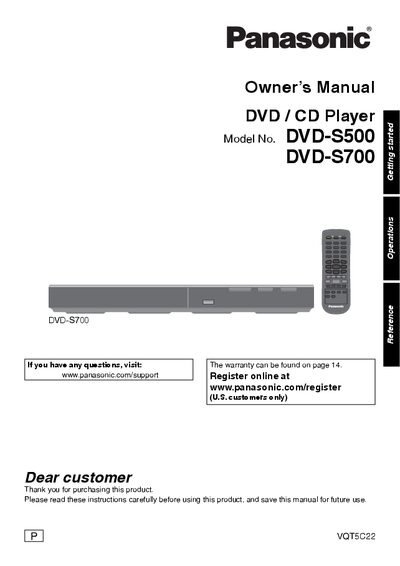
This manual explains how to install, connect, and safely operate the Panasonic DVD‑S500 and DVD‑S700 DVD/CD players. It includes important safety warnings, battery installation for the remote, and guidance on handling discs and accessories.
The guide also covers playback controls, HDMI CEC features, troubleshooting steps, and warranty information, helping users get the most out of their player while avoiding common issues.
| Supported USB file systems | FAT12, FAT16, FAT32 |
|---|---|
| USB speed | USB 2.0 High Speed |
| Power consumption in standby | Small amount of AC power |
| Region code support | Region 1 or ALL |
Make sure you are aiming the remote directly at the sensor on the front of the DVD player.
Yes, the DVD player supports the HDMI Consumer Electronics Control (CEC) protocol, which can turn on the TV and place devices in standby together.