
Operating instructions for the Panasonic DMC-FZ28 VQT1S39 digital camera, covering safety, setup, shooting, and specifications.
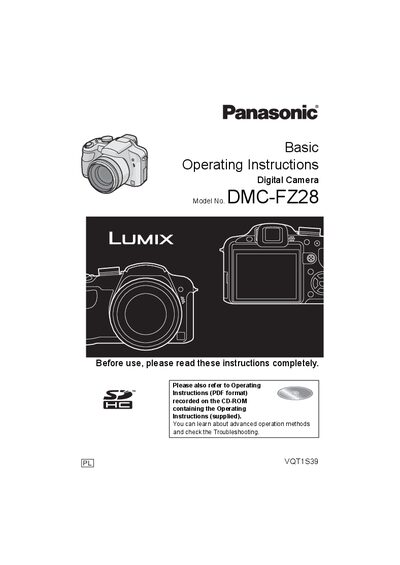
This manual provides safety guidelines, a list of standard accessories, and detailed instructions for charging the battery, inserting memory cards, and configuring the camera settings. It also explains how to take pictures, use zoom functions, playback images, and connect the camera to a PC.
Technical specifications, troubleshooting tips, and customer service contact information are included at the end of the document.
| Effective pixels | 10,100,000 pixels |
|---|---|
| Image sensor | 1/2.33" CCD, total pixel number 10,700,000 pixels |
| Lens | Optical 18x zoom, f=4.8 mm to 86.4 mm (35 mm equivalent 27 mm‑486 mm), F2.8‑F4.4 |
| Digital zoom | Maximum 4× |
| Power source | DC 8.4 V |
| Power consumption (recording with LCD) | 1.3 W |
| ISO sensitivity | AUTO/100/200/400/800/1600 (HIGH SENS. 1600‑6400) |
| Shutter speed range | 60 s to 1/2000 s |
| LCD monitor | 2.7" TFT LCD, approx. 230,000 dots |
| Dimensions | 117.6 mm × 75.3 mm × 88.9 mm (W × H × D) |
| Mass | ≈ 370 g (without card and battery) |
Use the dedicated charger, connect it to an AC outlet, and attach the battery. The [CHARGE] indicator will turn green while charging and go off when charging is complete; then disconnect the charger.
The camera supports SD Memory Cards, SDHC Memory Cards, and MultiMediaCards. SDHC cards are required for capacities of 4 GB or more.
Connect the camera to the computer using the supplied USB 2.0 cable; the camera will appear as a removable storage device for transferring files.