
This manual provides installation instructions and product information for the NZXT BOOM ARM low-noise microphone arm, suitable for streamers and gamers.
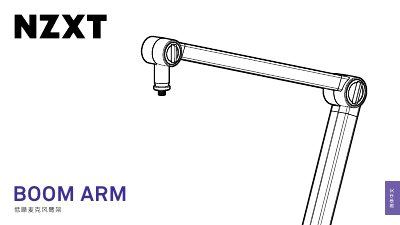
The NZXT BOOM ARM is a low-noise microphone arm designed to seamlessly adapt to any host. It features flexible movement, simple adjustment, and hidden cable management to keep USB and XLR cables organized. The arm includes a hidden spring design that operates silently to avoid interference during use.
To install the arm, first attach the desktop mounting system by loosening the clamp handle, positioning it on the desk (supporting up to 5cm thickness), and tightening the handle until the base sits flat against the underside of the table. Next, connect the microphone arm by inserting its male connector into the female socket of the mounted system. This manual is written in Chinese.
The desktop mounting system supports a maximum desk thickness of 5cm.
The microphone arm uses a standard US microphone thread of 3/8".
Insert the included 1/4" to 3/8" adapter into the microphone bottom, then connect the microphone to the arm's 3/8" interface.