
This user manual provides installation instructions, hardware introduction, and parts list for the NZXT AER RGB 2 120mm/140mm fan kit.
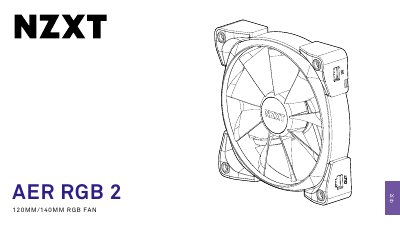
The document serves as a user guide for the NZXT AER RGB 2 fan system, covering both 120mm and 140mm sizes. It details the contents of the starter pack, including fans, controllers, cables, and mounting hardware like Dual Lock strips and screws.
The manual provides step-by-step installation instructions for connecting the RGB controller to a PC's SATA power and internal USB ports, as well as wiring the fans in series or parallel using provided extension cables. It also includes information on downloading the NZXT CAM software. This manual is written in Chinese.
The kit includes one 120mm starter fan and three 140mm starter fans.
You must connect the USB cable to an internal USB 2.0 port on the motherboard.
The fan-to-fan cable is 500mm long.