
The NZXT Signal HD60 capture card user manual provides component list, setup steps, software updates, specifications, and LED indicator guide.
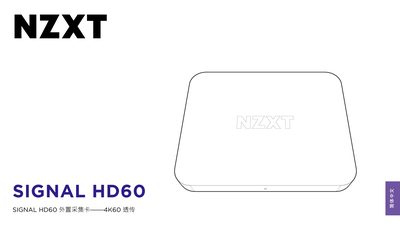
The Signal HD60 is an external capture card that supports 4K60 pass‑through for gaming PCs, consoles, cameras, or mobile devices. It connects via HDMI 2.0 and USB‑C (Type‑C) to deliver high‑resolution video and audio to a computer.
The manual includes a component list, detailed setup instructions, software and firmware update procedures, full technical specifications, LED indicator charts, regulatory compliance information, and support contact details. It is intended for end‑users who need to install and operate the device safely and efficiently. This manual is written in Chinese.
| Video Input / Pass‑through | HDMI 2.0 |
|---|---|
| USB Interface | USB 3.2 (Gen 1) Type‑C |
| Audio | 2‑channel, 16‑bit, 48 kHz |
| Maximum Video Resolution | 3840×2160 p 60 fps |
| HDMI Compatibility | HDMI 2.0, HDCP 1.4/2.2, DVI 1.0 |
The package contains a 150 cm HDMI cable, a 100 cm USB‑C to USB‑A data cable, and a quick‑start guide.