
This manual provides installation instructions, component specifications, and port descriptions for the NZXT H9 Elite mid-tower computer case.
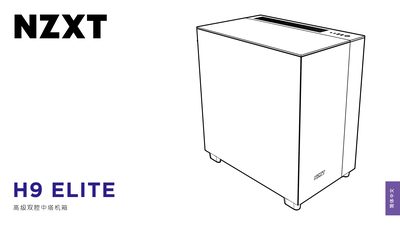
The document serves as a user guide for the NZXT H9 Elite mid-tower PC case. It details the product's physical components through an exploded view diagram, lists included accessories such as screws and cable ties, and outlines specific spacing requirements for motherboards (ATX, Micro-ATX, mini-ITX), CPU coolers, GPUs, and power supplies. This manual is written in Chinese.
| Supported Motherboards | ATX, Micro-ATX, mini-ITX |
|---|---|
| 2.5" SSD Support | 4+2 drives |
| 3.5" HDD Support | 2 drives |
| Maximum CPU Cooler Height | 91mm |
| Maximum GPU Length | 435mm |
| Power Supply Unit Gap | 200mm |
The maximum height for a CPU cooler is 91mm.
The case supports ATX, Micro-ATX, and mini-ITX motherboards.
The case supports up to 6 drives (4+2) for 2.5" SSDs.