
Thank you for purchasing NZXT product. The product features immense performance and innovative characteristics, including 5 fan capability, night light, black on black design, meshed front panel, etc.
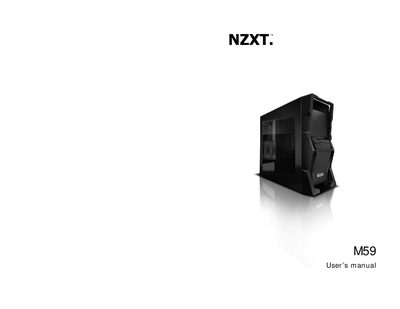
The M59 is a gaming‑oriented PC case featuring a black‑on‑black design, a smoked clear side window, meshed front panel, and support for up to five fans, including side LED and rear exhaust fans. It offers ample drive bays, SSD brackets, and pre‑drilled water‑cooling holes for custom cooling solutions.
The manual walks users through safety precautions, panel removal, motherboard installation, front‑panel connector wiring, USB and audio port setup, and PSU filter removal. It also includes contact details for technical support and service inquiries.
| Dimensions (HxWxD) | 449mm x 190mm x 508mm |
|---|---|
| Weight | 6.5 Kg |
| External 5.25" Bays | 4 |
| Internal HDD Bays | 7 |
| Cooling Options | 1x 120 mm front, 1x 120 mm rear exhaust, 1x 120 mm side LED, 2x 120/140 mm top exhaust |
The M59 supports up to five fans, including a side 120 mm LED fan and a rear 120 mm exhaust fan.
The case measures 449 mm high, 190 mm wide, and 508 mm deep.
Contact NZXT support at [email protected] or visit the NZXT website for assistance.
Unscrew the four screws at the bottom of the chassis to remove the PSU filter.