
Official user manual for the NZXT Kraken Z Series LCD screen water‑cooled radiator, covering components, installation, preparation, and NZXT CAM download.
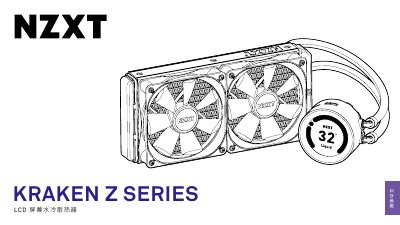
This manual provides a complete guide to the NZXT Kraken Z Series LCD screen water‑cooled radiator. It lists all components, explains preparation steps for Intel and AMD sockets, and details the installation process.
The document also includes instructions for downloading the NZXT CAM software, regulatory notices, and support contact information for troubleshooting and parts replacement. This manual is written in Chinese.
| Input Voltage | 5Vdc / 12Vdc |
|---|---|
| Maximum Ambient Temperature | 50 °C |
| Maximum Normal Operating Temperature | 60 °C |
| Maximum Abnormal Temperature | 70 °C |
Contact NZXT support via the website support.nzxt.com or email [email protected] for assistance and parts replacement.
The radiator supports Intel LGA 1700, LGA 1200, and LGA 115X sockets.
The manual includes a section titled "Download NZXT CAM" that explains how to obtain the software.