
Step‑by‑step guide for installing the MSI B450M Mortar motherboard, CPU, memory, storage, graphics and power.
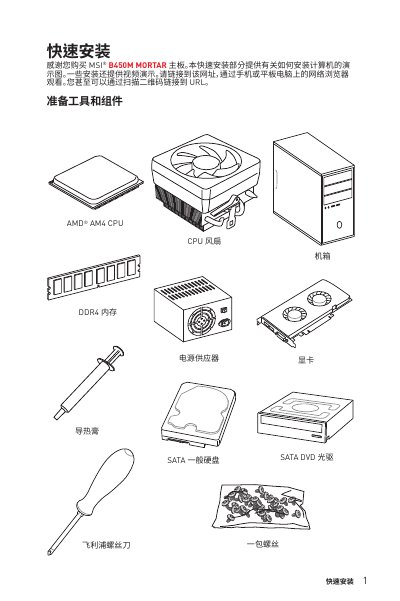
This quick installation guide walks you through preparing tools, installing the AM4 CPU, DDR4 memory modules, SATA devices, M.2 SSDs, graphics card, front‑panel connectors and power connections for the MSI B450M Mortar motherboard. Video links are provided for each major step.
The document also includes a specifications section, safety information, a wiring diagram of the rear I/O panel, and a troubleshooting guide covering power, display, audio and network issues. This manual is written in Chinese.
| CPU socket | AM4 |
|---|---|
| Supported chipset | AMD B450 |
| Memory slots | 4 DDR4 slots, up to 64 GB |
| LAN controller | Realtek RTL8111H‑CG Gigabit Ethernet |
| Audio codec | Realtek ALC892 7.1‑channel HD audio |
Check that the ATX_PWR1 and CPU_PWR1 power connectors are fully plugged in, ensure the PSU switch is on, and verify the front‑panel power‑switch header (JFP1) is correctly connected.
Remove all memory modules, then install a single DIMM in slot DIMMA2 and restart the computer.