
This guide provides troubleshooting solutions for game performance issues on MSI notebooks with AMD graphics, covering hardware checks, driver updates, and…
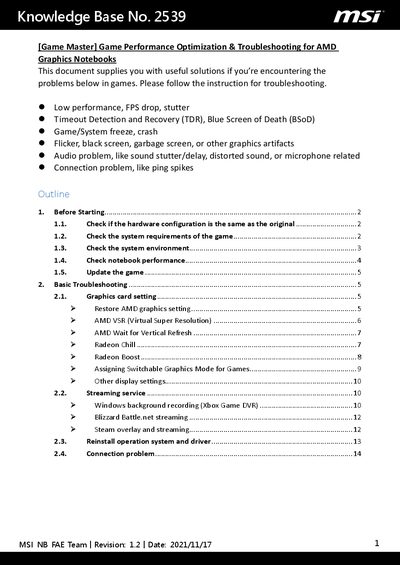
This document supplies useful solutions for encountering problems in games on MSI notebooks equipped with AMD graphics. It addresses issues such as low performance, FPS drops, TDR errors, Blue Screen of Death (BSoD), game freezes, graphics artifacts, audio problems, and connection issues.
The guide is divided into two main sections: preliminary checks before starting troubleshooting and basic troubleshooting steps. The first section advises verifying hardware configuration, checking system requirements, ensuring a proper system environment (BIOS/EC firmware, Windows Update, drivers), and updating the game itself. The second section details specific settings adjustments for graphics cards (such as AMD VSR, Wait for Vertical Refresh, Radeon Chill) and streaming services (Xbox Game DVR, Battle.net, Steam overlay) that may impact performance.
| Graphics Score Reference | RX 5500M Graphics Score 122XX |
|---|
MSI suggests using the graphics driver on the MSI website and does not recommend trying the generic graphics driver on the AMD website due to potential performance or stability issues.
You can turn off background recording by running a game, pressing Windows logo + G to open the game bar, selecting Settings, and unchecking 'Record in the background while I'm playing a game' in the Capturing tab.
Enabling this feature matches the frame rate to the screen refresh rate (usually 60 Hz), which increases image stability but limits FPS, potentially causing low performance.