
The MOZA Slypod Remote Controller User Manual explains how to install, pair, charge, and operate the Slypod remote controller, including buttons, modes, and…
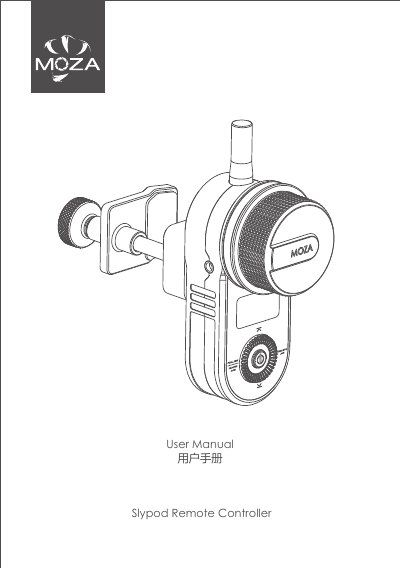
The MOZA Slypod Remote Controller is a handheld remote for the Slypod. The manual covers mounting it on a support rod, charging through a USB-C port, turning it on and off, and using its buttons and dial.
It also explains operating modes such as UP/DOWN, MARK, FOLLOW, TOP/BTM, and AUTO, plus pairing with the Slypod, wheel calibration, screen brightness, firmware upgrades with MOZA Master software, and the product specifications. This manual is written in Chinese.
| Weight | 208g |
|---|---|
| Dimensions | 38*92*48mm |
| Working Voltage | 3.7V |
| Battery Capacity | 750mAh |
| Charging Port | USB-C |
| Working Temperature | 0-50℃ |
Turn off the Slypod, turn on the remote controller, select Wireless>Pair>Pairing, then press the Slypod power button until the screen shows Pair OK and the Slypod turns on.
Connect the remote controller to a charger with a USB-C cable; the screen shows the charging icon and battery level, and the icon disappears when fully charged.
The support rod clip fits rods with a diameter from 15mm to 32mm.
Press and hold the power button for 3 seconds to turn it on or off.