
MOZA Air2 User Manual

Release notes for MOZA Air2 gimbal firmware, covering new features, firmware upgrade instructions, and camera control improvements.

MOZA Air2 User Manual - cover page
Brand
Moza
Document type
User Manual
Language
English
Pages
17
File format
PDF
File size
1.8 MB
Published
03 November, 2026
Updated
03 November, 2026
Model
Air2
MD5 checksum
145BAFAA778739863E653A51939B1CFF

About this manual

This document details firmware updates and new features for the MOZA Air2 gimbal, including smart wheel modes, FPV mode, Inception Mode 3.0, balance check, and camera control optimizations. It also provides step-by-step instructions for firmware upgrades via USB or app, along with compatibility notes for Sony and Canon cameras. The manual includes menu navigation rules and operational tips for advanced functions like object tracking and motion recording.

What's inside

  • Smart Wheel Modes
  • FPV Mode
  • Inception Mode 3.0
  • Balance Check Algorithm
  • Camera Control Optimizations
  • Firmware Upgrade Instructions
  • Object Tracking
  • Motion Track Recording
  • Tripod Mode
  • Menu Navigation Rules

Frequently asked questions

How do I enter FPV mode?

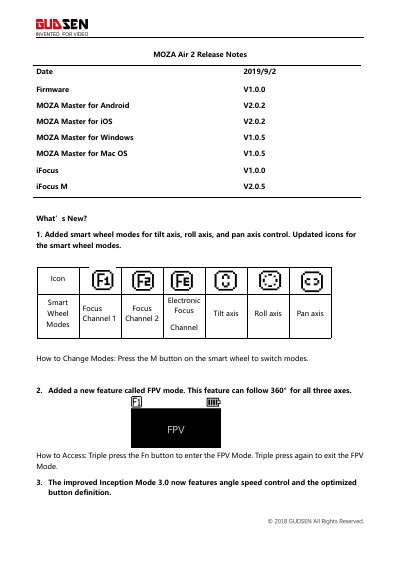
Triple press the Fn button to enter FPV Mode. Triple press again to exit.

What button must be pressed to enter FPV mode on the MOZA Air2?

Triple press the Fn button to enter the FPV Mode.

How do you access Inception Mode on the MOZA Air2?

Double press the Fn button to enter Inception Mode.

What is the maximum roll follow range for the MOZA Air2?

The roll follow range is extended to ±70°.

Download PDF (1.8 MB)

More Moza Manuals


View all Moza manuals →