
MOZA NANO SE is a three-axis stabilizer with the following features:
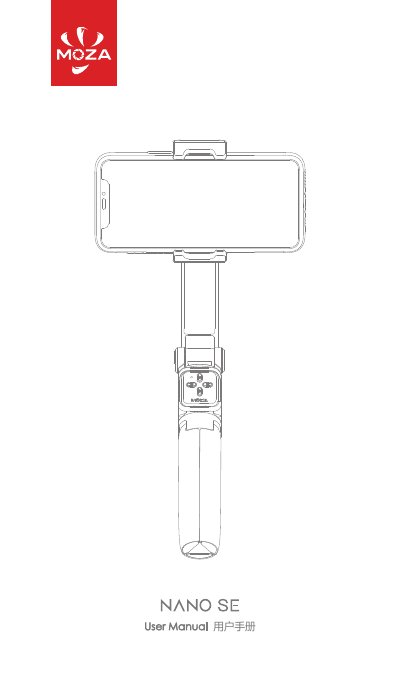
The MOZA NANO SE is a handheld smartphone gimbal. This manual covers charging, unfolding and unlocking, phone installation and balancing, buttons and ports, horizontal and vertical shooting, the telescopic rod and tripod, sleep mode, Bluetooth connection, the MOZA Genie app, firmware upgrades, working modes, storage, registration, and specifications.
It also includes safety precautions, warranty information, and frequently asked questions. The gimbal uses Bluetooth 5.0 BLE and USB Type-C charging, and its remote controller, battery life, dimensions, and mechanical angle details are listed in the specifications section. This manual is written in Chinese.
| Payload | 280 g |
|---|---|
| Expanded dimensions (rod retracted) | 60.7 x 48.6 x 301 mm |
| Expanded dimensions (rod extended) | 60.7 x 48.6 x 690 mm |
| Folded dimensions | 60.7 x 60.9 x 171.4 mm |
| Supported phone size | 60-88 mm |
| Battery life (eccentric installation) | 7 h |
| Battery life (fully balanced) | 10 h |
| Charging port | USB Type-C |
| Battery capacity | 950 mAh |
| Standard voltage | 3.7 V |
| Bluetooth | Bluetooth 5.0 BLE |
| Fastest charging time | 140 min |
Restart MOZA Genie App and NANO SE. After restarting, NANO SE automatically enters upgrade mode; reconnect Bluetooth and re-upgrade the firmware.
NANO SE only supports some mobile phones; refer to the official website compatibility list or consult after-sales service.
The battery is too low and should be charged as soon as possible.
Press and hold the M button, then quickly triple-click the + button.