
MOZA iFocus user manual, introduces the connection and use methods and precautions of MOZA iFocus product.
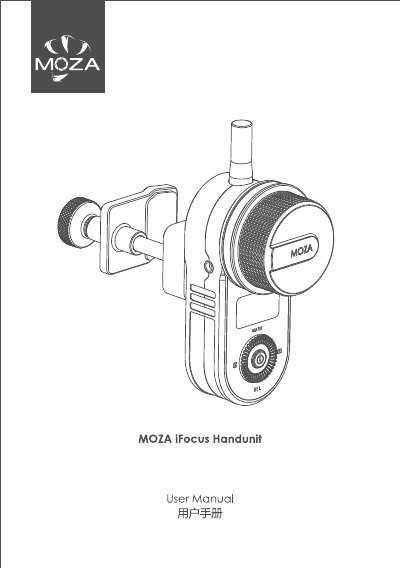
The MOZA iFocus is a follow focus motor for camera lenses. This user manual covers its use with the MOZA Air 2 gimbal, including mounting the lens gear ring and motor, connecting via Multi-CAN, charging, power control, LED status, route calibration, wheel control, sensitivity settings, and firmware upgrade. It also lists specifications and warranty terms.
The manual notes that it only guides the motor part used with MOZA Air 2 and does not fully describe all follow focus functions; more functions are available with the remote control. Specifications include a 198 g weight without battery, 115 x 65 x 30 mm dimensions, 7.2 V operating voltage, 600 mAh battery, Bluetooth support, and USB-C charging.
| Weight (battery excluded) | 198 g |
|---|---|
| Dimensions | 115 x 65 x 30 mm |
| Operating voltage | 7.2 V |
| Battery capacity | 600 mAh |
| Bluetooth | Supported |
| Charging port | USB-C |
Long press the power button for 1 second until the green indicator lights up to power on the motor. Long press for 1 second until the red indicator flashes to power off the motor.
Charge the iFocus with USB-C; the LED turns blue and goes off when fully charged. It can also charge from MOZA Air 2 through the Multi-CAN cable.
Yes. Mark the total distance of the lens focus ring by route calibration before using the iFocus. The motor remembers the last calibration unless the motor position or mounting changes.
The iFocus must be connected to MOZA Air 2 for firmware upgrade. In power-off status, long press the power button for 3 seconds until the white indicator lights up, then follow the MOZA Air 2 firmware instructions.