
Instructions for upgrading the MOZA Lite2 gimbal and thumb controller firmware using MOZA Assistant, including software installation, calibration, and…
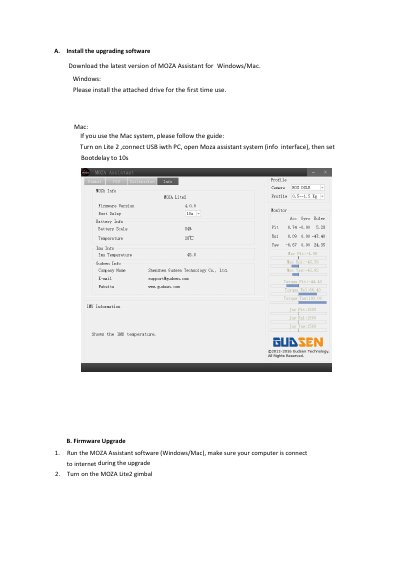
This guide provides step-by-step instructions for upgrading the firmware of the MOZA Lite2 gimbal. It covers the installation of the MOZA Assistant software for Windows and Mac, the process for upgrading the gimbal's main firmware, and the required simple gyroscope calibration after the upgrade. The document also includes specific steps for upgrading the thumb controller firmware.
A network connection is required to download the firmware, and it must be kept connected during the upgrading process.
To avoid failure, do not turn off the gimbal or unplug the USB cable during the upgrading process.
Yes, a simple gyroscope calibration is required after the upgrading is done.