
Key facts
- Manuals
- 2
- Models
- 1
- Languages
- ZH
- Last added
- 2026-10-02
Moza models by category
Featured Moza manuals
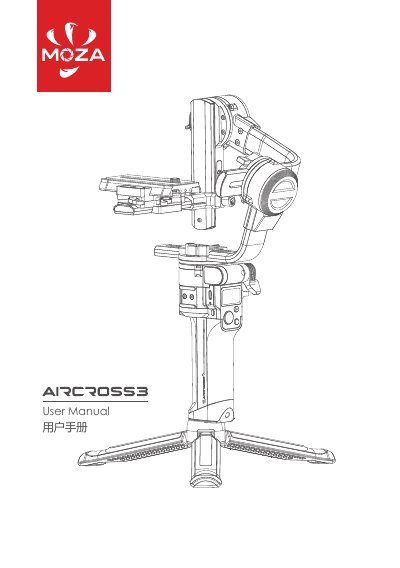
MOZA AirCross 3 Gimbal User Manual
The MOZA AirCross 3 is a compact, fold‑able 3‑axis gimbal designed for mirrorless and DSLR cameras. It features a built‑in Li‑ion battery, USB‑C charging, OLED screen, joystick, and Bluetooth connectivity for the MOZA Master app.
The guide walks you through unfolding the handle, mounting and balancing the camera on the quick‑release plate, using the power button, joystick and camera‑control buttons, and includes safety warnings and warranty details. This manual is written in Chinese.
Covers: Overview · Unfold the Gimbal · Unlock the Gimbal · Balance Adjustment · Operation · Camera Control Button
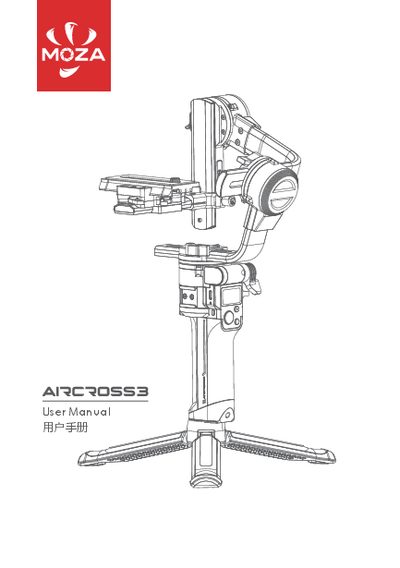
MOZA AirCross 3 Gimbal User Manual
This manual guides you through unfolding the AirCross 3, mounting and balancing your camera, and using the power, joystick, and function buttons. It also explains charging via the USB‑C port and accessing advanced features through the MOZA Master app.
Safety notes, warranty terms, and technical specifications such as weight, dimensions, battery capacity, and operating temperature are included to help you maintain the gimbal and ensure reliable performance. This manual is written in Chinese.
Covers: Overview · Unfold the Gimbal · Unlock the Gimbal & Mount Camera · Balance Adjustment · Operation Controls · Camera Control Buttons
Latest Moza manuals
MOZA AirCross 3 Gimbal User Manual
User Manual 17 pages · 4 MB · ZHThe manual provides setup, balancing, operation, specifications, safety and warranty information for the MOZA AirCross 3 camera gimbal.
MOZA AirCross 3 Gimbal User Manual
User Manual 18 pages · 17.7 MB · ZHThe MOZA AirCross 3 gimbal user manual provides setup, balancing, operation, and safety instructions for the handheld stabilizer.
Which document do I need?
User Manual
Day-to-day operation, settings and troubleshooting. Start here if the product is already set up.
Questions answered in Moza manuals
How should I charge the AirCross 3 battery?
Connect the included USB‑C cable to the USB‑C charging port and use a USB adapter (QC2.0 or PD); the LED under the port turns off when charging is complete.
What warranty coverage does the AirCross 3 have?
The gimbal body is covered for 12 months, while the motor and battery have a 3‑month warranty from the purchase date.
How do I turn the gimbal on or off?
Press and hold the power button for a long press to power the gimbal on or off.
What is the recommended way to charge the battery?
Connect a USB‑C cable to the USB‑C charging port and use a USB adapter (QC2.0 or PD) to charge the built‑in battery.