
The MOZA AirCross 3 gimbal user manual provides setup, balancing, operation, and safety instructions for the handheld stabilizer.
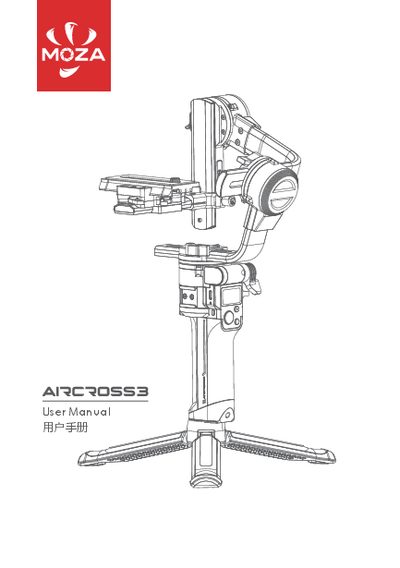
This manual guides you through unfolding the AirCross 3, mounting and balancing your camera, and using the power, joystick, and function buttons. It also explains charging via the USB‑C port and accessing advanced features through the MOZA Master app.
Safety notes, warranty terms, and technical specifications such as weight, dimensions, battery capacity, and operating temperature are included to help you maintain the gimbal and ensure reliable performance. This manual is written in Chinese.
| Weight | 1.3 kg (without tripod) |
|---|---|
| Unfolded Dimensions | 170 × 190 × 310 mm |
| Folded Dimensions | 52 × 225 × 270 mm |
| Battery Type | Li‑ion Intelligent Battery (built‑in) |
| Battery Capacity | 3400 mAh |
| Standard Voltage | 7.27 V |
| Charging Voltage | 5 V/2 A, 9 V/2 A |
| Working Hours | 20 h |
| Fast‑charging Time | 1.4 h |
| Bluetooth | BT5.0, 2.400‑2.4835 GHz |
| Operating Temperature | -10 °C to 50 °C |
| Charging Temperature | 5 °C to 40 °C |
Press and hold the power button for a long press to power the gimbal on or off.
Connect a USB‑C cable to the USB‑C charging port and use a USB adapter (QC2.0 or PD) to charge the built‑in battery.
The gimbal body is covered by a 12‑month warranty; the motor and battery have a 3‑month warranty.