
Moog DigiPack III J141-215 Parison Controller Information Sheet

Important operational precautions and initial setup password information for the Moog DigiPack III J141-215 parison controller.
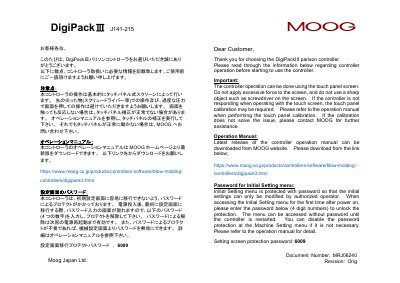

Moog DigiPack III J141-215 Parison Controller Information Sheet - cover page
Brand
MOOG
Category
Industrial Supply
Document type
Product Leaflet
Language
Japanese
Pages
2
File format
PDF
File size
169 KB
Published
06 November, 2026
Updated
06 November, 2026
MD5 checksum
1C60B2CFDEF45CDC298BF629619A833D

About this manual

This document provides essential information for the operation of the Moog DigiPack III J141-215 parison controller. It highlights precautions for using the touch panel screen, such as avoiding sharp objects and excessive force. It also explains how to access the password-protected Initial Setting menu. This manual is written in Japanese.

What's inside

  • Touch Panel Precautions
  • Touch Panel Calibration
  • Operation Manual Download
  • Initial Setting Menu Password
  • Password Protection Details

Frequently asked questions

What is the password for the Initial Setting menu?

The password for the Initial Setting menu is 6009.

Where can I download the operation manual?

The latest operation manual can be downloaded from the MOOG website at https://www.moog.co.jp/products/controllers-software/blow-molding-controllers/digipack3.html.

Download PDF (169 KB)

More MOOG Manuals


View all MOOG manuals →