
Troubleshooting guide for Matrix CX Series indoor training cycles, covering the CXP console and CXC, CXM, and CXP frames.
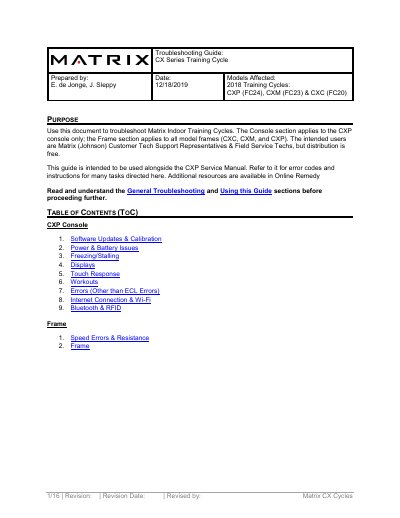
This guide helps troubleshoot Matrix indoor training cycles. The console section applies to the CXP console, while the frame section applies to all CXC, CXM, and CXP frames.
It is intended for Matrix customer technical support representatives and field service technicians and is used alongside the CXP Service Manual. It includes general troubleshooting steps, topic flowcharts, corrective actions, and an appendix on power and battery issues.
| Pedal thread pitch | 9/16"-20 |
|---|---|
| Suspend time | 10 minutes |
| Battery charge indicators | 4 LEDs, 25% each |
From idle, press and hold the MATRIX logo for about 5 seconds, then type 3001 and press enter.
Check whether the battery is charged; if not, charge it or pedal at more than 90 RPM for more than 3 minutes.
Spray cleaner on a cloth and wipe the screen; do not spray cleaner directly on the screen.
The pedals use standard 9/16"-20 threads.