
This is the technical datasheet for E-blocks USB232 board version 1.
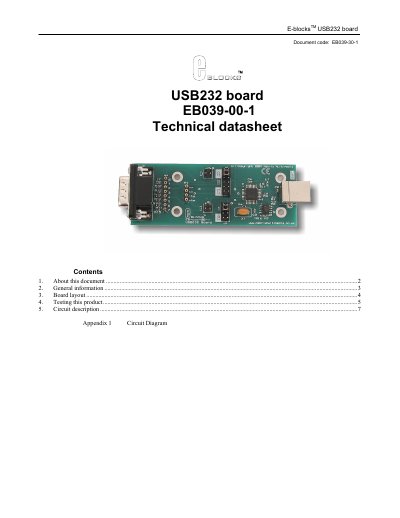
The EB039-30-1 USB232 board is an E‑blocks development board that adds a USB communications interface to projects. It uses an FTDI FT232BL chip to convert USB to a UART using RS‑232 protocols and supports data rates up to 3 Mbaud. The board includes a D‑type connector, EEPROM with USB ID, and a configurable patch system for various PICmicro devices.
The document provides a detailed board layout, jumper settings for TX/RX and CTS/RTS, and a step‑by‑step testing procedure using HyperTerminal and a PICmicro Multiprogrammer. It also describes the FT232BL device operation, driver options (Virtual COM Port and D2XX), and includes a circuit diagram in the appendix.
| Data transfer rate | up to 3 Mbaud |
|---|---|
| USB compatibility | USB 1.0 and USB 2.0 |
| Interface chip | FTDI FT232BL |
| Connector type | D‑type E‑blocks connector |
| EEPROM feature | Contains USB ID and unique serial number |
When the board is first connected, the Windows "Add new hardware" wizard may appear; you must install the appropriate drivers as described in the separate Driver Installation document.
Use the provided test program, connect the board to a PC, open HyperTerminal, select the assigned COM port, set 9600‑8‑N‑1 with hardware flow control, and follow the step‑by‑step instructions to verify communication and LCD display messages.