
Installation instructions for the Lutron GRAFIK Eye 2800 Series Control Unit, a preset dimming controller for multiple lighting zones.
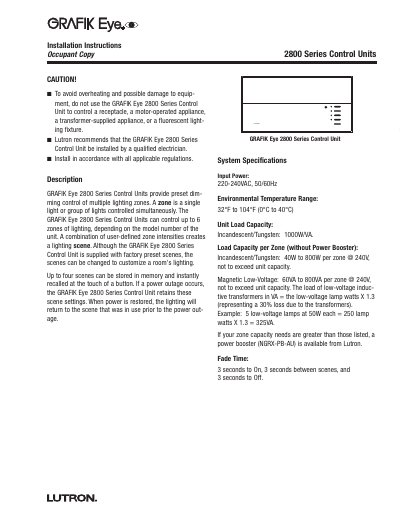
The Lutron GRAFIK Eye 2800 Series Control Unit provides preset dimming control of multiple lighting zones, with up to six zones depending on model. It can store up to four scenes and retains those settings during a power outage.
The document covers installation, wiring diagrams, programming, operation, and optional infrared remote control. It also lists system specifications such as input power, temperature range, load capacity, and fade time.
| Input power | 220-240VAC, 50/60Hz |
|---|---|
| Environmental temperature range | 32°F to 104°F (0°C to 40°C) |
| Unit load capacity | 1000W/VA incandescent/tungsten |
| Load capacity per zone, incandescent/tungsten | 40W to 800W per zone @ 240V |
| Load capacity per zone, magnetic low-voltage | 60VA to 800VA per zone @ 240V |
| Fade time | 3 seconds to On, 3 seconds between scenes, 3 seconds to Off |
| Lighting zones | Up to 6 zones, depending on model |
| Stored scenes | Up to 4 scenes |
It can control up to 6 zones of lighting, depending on the model number.
Up to four scenes can be stored in memory and instantly recalled.
When power is restored, the lighting returns to the scene that was in use before the outage.
Fade time is 3 seconds to On, 3 seconds between scenes, and 3 seconds to Off.