
This is the user manual of CasétaR Wireless in-wall dimmer PRO, including product introduction, installation steps, and usage methods.
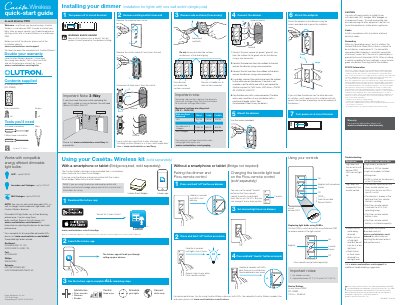
The Lutron Caséta Wireless In-Wall Dimmer PRO PD-10NXD quick-start guide lists the supplied parts and tools and gives single-pole installation steps. It also explains pairing with a Pico remote control and using the dimmer with a smartphone or tablet through a bridge sold separately.
Additional sections cover changing the Pico remote favorite light level, replacing bulbs with the FASS switch, troubleshooting, device ratings, warranty, and FCC/IC information.
| Model | PD-10NXD |
|---|---|
| Input voltage | 120 V~ 50/60 Hz |
| Incandescent/halogen load | Up to 1000 W |
| LED load | Up to 250 W |
| MLV halogen load | Up to 1000 VA |
| Operating temperature | 32 °F to 104 °F (0 °C to 40 °C) |
| Use location | Indoor use only |
It is model PD-10NXD.
The dimmer supports up to 250 W of LED load.
The dimmer operates between 32 °F (0 °C) and 104 °F (40 °C).
It can control dimmable LED, halogen, and incandescent light bulbs.