
LOREX L284161 NetViewer & Hard Drive Viewer software manual: install the software, set up a DIPS server account and view or record DVR video remotely.
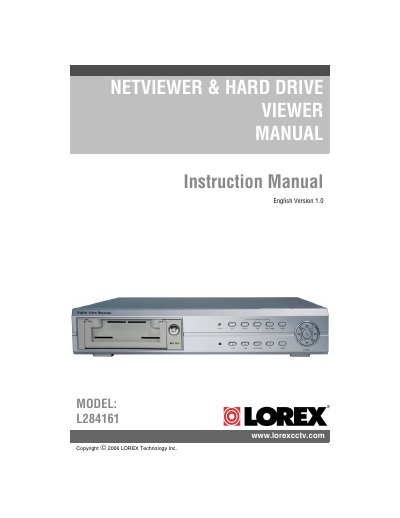
This instruction manual covers the LOREX NetViewer and Hard Drive Viewer software package supplied on the included installation CD. NetViewer lets you access your DVR from a remote location to view live and previously recorded video, and record from your PC over a network. The manual lists the minimum and recommended system requirements, then walks through the software installation wizard, including the destination folder and the program shortcuts that are created.
The guide then explains how to configure an Online DIPS Server account, using the version, IP address, MAC address and product ID found on the DVR, followed by router port forwarding, the NetViewer menu and main screen functions, and disconnecting from the DVR. A separate section describes the Hard Drive Viewer Software, which lets you view the contents of a DVR hard drive when it is removed from the DVR and connected to a PC, including event search, playback controls and recording to a local hard drive.
| Supported operating systems (minimum) | Windows 2000, Windows XP Home Edition, Windows XP Professional |
|---|---|
| Processor (minimum) | Pentium 4 - 1.5 GHz processor (or equivalent) |
| Memory (minimum) | 256 MB RAM |
| Hard drive space | 50 MB installation space, plus additional space for recording |
| Processor (recommended) | Pentium 4 / 3 GHz processor (or equivalent) |
| Memory (recommended) | 1024 MB RAM |
| Default installation directory | C:\Program Files\Lorex\4Channel DVR Utility\ |
Windows 2000 or Windows XP, a Pentium 4 1.5 GHz processor (or equivalent) and 256 MB RAM, with 50 MB of installation space plus extra space for recording.
It allows you to access your DVR from a remote location to view live and previously recorded video, and to view and record from your PC over a network.
The MAC address and product ID found on the DVR, plus a description such as the name of the unit's location.
Remove the hard drive from the DVR, connect it to a PC and use the Hard Drive Viewer Software; the data cannot be viewed on a PC without it.