
This file is the user manual for the Lorex LW1740 / LW2740 series
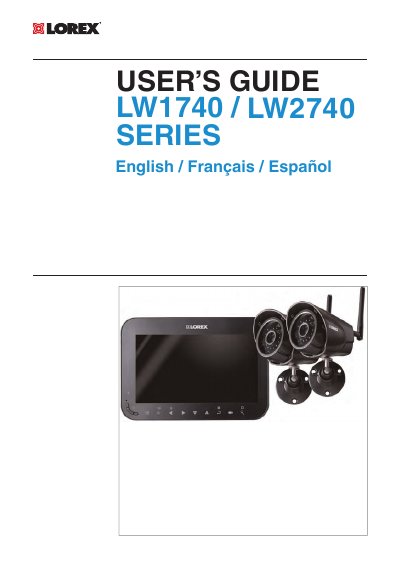
This user guide covers installation, setup, and operation of Lorex’s LW1740 and LW2740 wireless security camera system. It includes safety warnings, mounting instructions, receiver setup, recording options, playback, and technical specifications. The system features a 7” rechargeable LCD monitor, weather-resistant cameras, motion and scheduled recording, and up to 4 camera support. The guide also explains how to pair additional cameras and troubleshoot common issues.
| Transmission Frequency | 2,400 ~ 2,4835GHz |
|---|---|
| Unobstructed Wireless Range | Up to 450ft (150m) outdoors / Up to 150ft (50m) indoors |
| Image Sensor | 1/4" CMOS |
| Night Vision Range | 65ft (20m) / 45ft (14m) |
| Lens Type | 3.6mm F2.0 / Fixed Field of View (Diagonal) 69° |
| LCD Display Size | 7” Diagonal |
| Battery | 3.7V 3000mAh Li-polymer |
Up to 450ft (150m) outdoors and up to 150ft (50m) indoors, based on line of sight.
Up to 4 cameras can be connected to the system.
Up to 65ft (20m) in ambient night lighting and up to 45ft (14m) in total darkness.
1/4" CMOS sensor supporting VGA resolution up to 25 fps.