
This user manual provides instructions on how to use the LW2960 series surveillance cameras, including installation, setup, and maintenance.
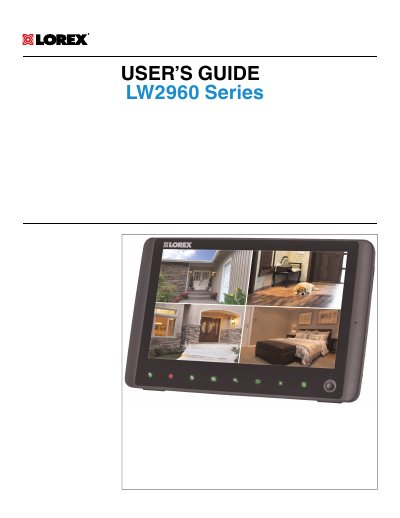
This manual covers the Lorex LW2960 Series, a 9-inch wireless surveillance system. It includes safety precautions, installation tips for the camera and receiver, and an overview of the device features and controls. The guide details how to set up the system, configure recording schedules, and use the mobile app for remote viewing.
| Product Type | 9" wireless surveillance system |
|---|---|
| Document Reference | #LX400011 |
You can visit the manufacturer's website at www.lorextechnology.com for the latest online manual, downloads, and product updates.
It is highly recommended to connect the product to a surge protector and an uninterruptible power supply (UPS) to protect against electrical surges and power outages.