
This user manual describes the features and functions of the N842 series products.
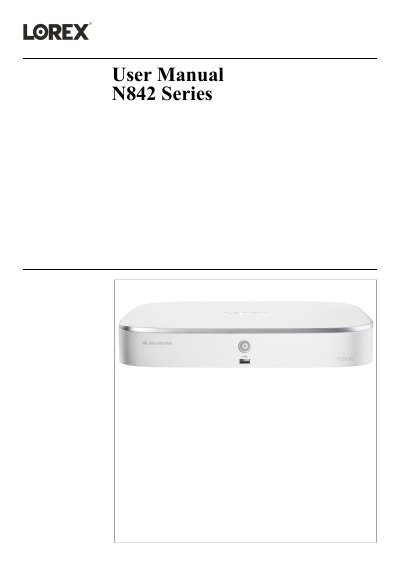
This user manual covers the Lorex N842 Series recorder. It includes safety precautions, package contents, recorder overview, and basic system setup steps such as connecting cameras, router, mouse, monitor, and power.
The manual also describes recording and playback, motion and smart motion detection, face detection, password and user management, network and system settings, remote access with the Lorex Home app, PTZ cameras, hard drive replacement, DDNS setup, troubleshooting, and technical specifications. It states that it refers to model N841A81.
The manual refers to model N841A81.
Visit lorex.com for the latest online manual, downloads, product updates, and accessory products.
Read and follow all safety and operating instructions before operating the product.