
Lorex Monitor Remote Access Setup Guide (Dlink DI-624)

This document describes how to configure your Dlink DI-624 router to allow remote access to your Lorex monitor from the Internet.
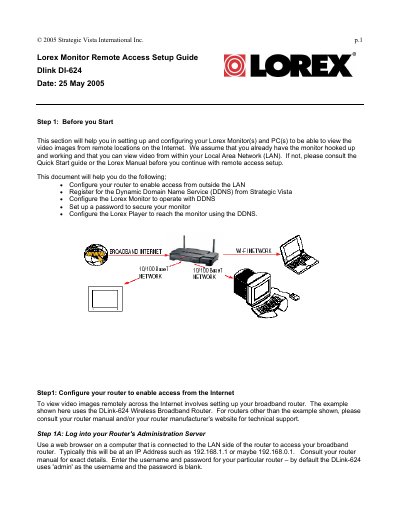

Lorex Monitor Remote Access Setup Guide (Dlink DI-624) - cover page
Brand
Lorex
Category
Other Electronics
Document type
User Manual
Language
English
Pages
12
File format
PDF
File size
1 MB
Published
21 October, 2023
Updated
21 October, 2023
MD5 checksum
843CA2C9FF3594693BF30C7919CF3756

About this manual

This guide assists users in setting up Lorex Monitors and PCs to view video images from remote locations on the Internet. It covers configuring routers to allow external access, registering for Dynamic Domain Name Service (DDNS), and securing the monitor with a password. The document specifically uses the DLink DI-624 Wireless Broadband Router as an example for router configuration steps.

What's inside

  • Configure your router
  • Register for DDNS
  • Configure the Lorex Monitor
  • Set up a password
  • Configure the Lorex Player

Frequently asked questions

What is the default username for the DLink DI-624 router?

The default username is 'admin' and the password is blank.

How long does it take for IP Address updates to propagate after setting up DDNS?

It takes about 15 minutes for IP Address updates to propagate after setting up the Lorex Monitor's DDNS.

Download PDF (1 MB)

More Lorex Manuals


View all Lorex manuals →