
The Lenovo Digital Audio Player User Manual provides safety warnings, operation steps, battery installation, troubleshooting, and full specifications for…
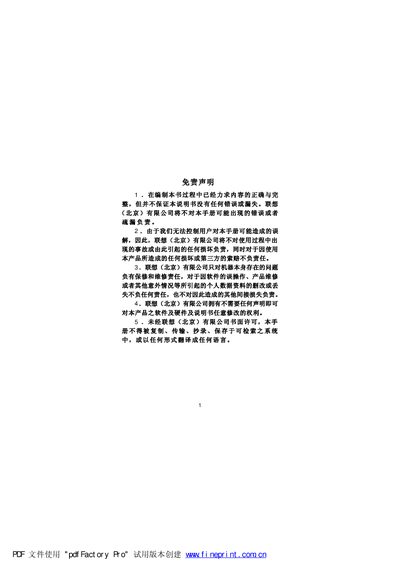
This manual begins with a disclaimer and safety precautions, then guides the user through the basic operation of the digital audio player, including power on/off, battery replacement, and the functions of each control button. Detailed instructions cover music playback, recording, FM radio reception, and the use of included accessories such as headphones and a Mini‑USB cable.
Later sections describe troubleshooting methods, driver installation and firmware upgrade procedures for Windows PCs, and a complete list of technical specifications such as dimensions, weight, memory options, supported audio formats, and battery life. This manual is written in Chinese.
| Dimensions (HxWxD) | 89 x 33 x 18 mm |
|---|---|
| Net Weight | 39 g (without battery) |
| Memory Capacity | 128 MB / 256 MB |
| Power Source | 1.5 V AAA battery |
| PC Interface | Mini‑USB |
| FM Reception Range | 87.5 MHz – 108 MHz |
| Supported Playback Formats | MP3, WMA (VBR supported) |
| Recording Format | MP3, 44.1 kHz (48/96/128 kbps optional) |
| Signal‑to‑Noise Ratio | >90 dB |
| Battery Life | ≥10 hours |
Press the Play/Pause button to turn the player on. To turn it off, hold the Play/Pause button for more than three seconds.
It can play MP3 and WMA files (including VBR) and record MP3 audio at 44.1 kHz (with optional 48/96/128 kbps rates).