
The One-Key Recovery function is a BIOS‑based technology that lets you quickly restore a Lenovo commercial computer to its original factory configuration when the system is damaged or infected. It restores the C‑drive to the factory‑backup state while preserving other partitions unless the C‑drive partition has been altered.
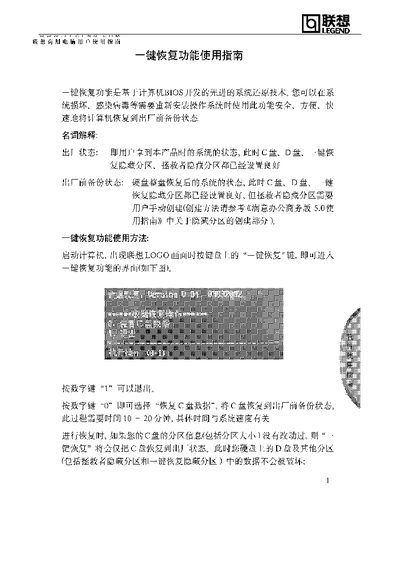
To start the recovery, power on the computer and press the One‑Key Recovery key when the Lenovo logo appears. You can then choose to restore the C‑drive (takes about 10‑20 minutes) or perform a full‑disk restore, which will erase all data on the hard drive. The hidden recovery partitions occupy roughly 1 GB of space, reducing the total usable capacity by about 6‑9 GB. This manual is written in Chinese.
| Recovery duration | 10‑20 minutes |
|---|---|
| Hidden recovery partition size | ≈1 GB |
| Usable hard‑drive space reduction | 6‑9 GB less than rated capacity |
Power on the computer and press the One‑Key Recovery key when the Lenovo logo appears.
Choosing “Restore C‑drive data” will restore the entire hard drive to the factory‑backup state, erasing all data.