
This is the user manual of Lenovo computer, which introduces the installation, use, software introduction and safety use of the computer.
This manual guides users through the initial installation, including hardware connections, BIOS settings, and driver installation. It also covers software introductions, keyboard and function‑key usage, and safety precautions for operating the computer.
Later sections address common problems such as system startup failures, peripheral issues, and disk errors, offering step‑by‑step troubleshooting, system restore procedures, and contact information for Lenovo technical support. This manual is written in Chinese.
| Power Supply | 220V +2V 50Hz+1Hz |
|---|---|
| Operating Temperature | 10°C - 35°C |
| Operating Humidity | 35% - 80% |
| Storage/Transport Temperature | -40°C - -55°C |
| Storage Humidity | 20% - 93% |
| Atmospheric Pressure | 86 kPa - 106 kPa |
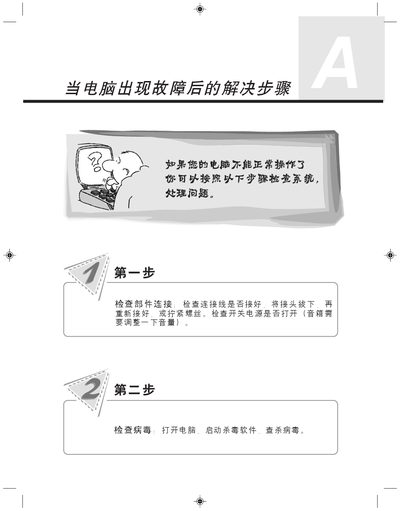
Check that all power and component connections are secure, verify the power switch is on, and if the system still does not respond, use the system restore or one‑key recovery functions after backing up important data.
Back up any important data first, then run the one‑key recovery function to restore the computer to its factory state; note that this will erase data on the C: drive.
The BIOS settings for the optical drive are described in the "光驱启动 BIOS 设置说明" section of the manual.