
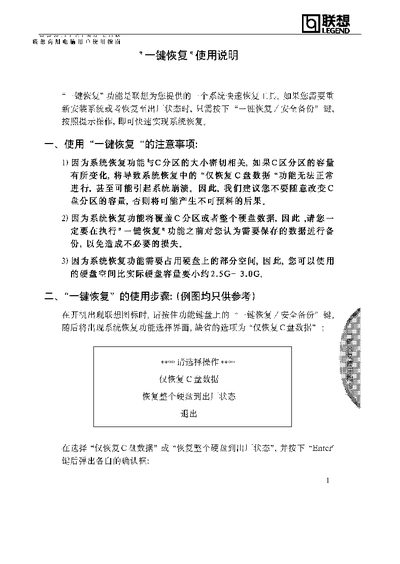
The manual describes precautions for using the One‑Key Recovery function, emphasizing that the C‑drive partition size must not be altered and that important data should be backed up before starting the recovery process. It also notes that the recovery operation requires about 2.5‑3.0 GB of free disk space.
Step‑by‑step instructions show how to press the One‑Key Recovery / Safe Backup button during boot, choose between restoring only the C‑drive or the whole hard drive, and follow the on‑screen progress bars. After completion, a prompt appears indicating success and instructs the user to press any key to exit. This manual is written in Chinese.
| Required free disk space | Approximately 2.5 GB‑3.0 GB |
|---|
Back up any data you need to keep and avoid changing the size of the C‑drive partition.
The recovery cannot proceed and a warning message will appear indicating that the C‑drive size change prevents recovery.