
This document is a computer user manual that provides instructions for installation and usage of the computer. It includes information about component overview, software introduction, computer security usage, and troubleshooting common problems. The document offers detailed steps and precautions to help users troubleshoot computer issues and perform system maintenance.
This manual is intended for owners of Lenovo Yangtian series computers. It covers the initial installation, component overview, and basic usage guidelines to help users set up their machines safely and correctly.
The document includes sections on BIOS configuration, software installation, one‑key recovery, routine maintenance, and detailed troubleshooting steps for common issues such as power problems, peripheral failures, and system startup errors. This manual is written in Chinese.
| Power Supply | 220V ±2V 50Hz ±1Hz |
|---|---|
| Operating Temperature | 10°C – 35°C |
| Operating Humidity | 35% – 80% |
| Storage/Transport Temperature | -40°C – -55°C |
| Storage/Transport Humidity | 20% – 93% |
Press the reset key; it will force the computer to restart.
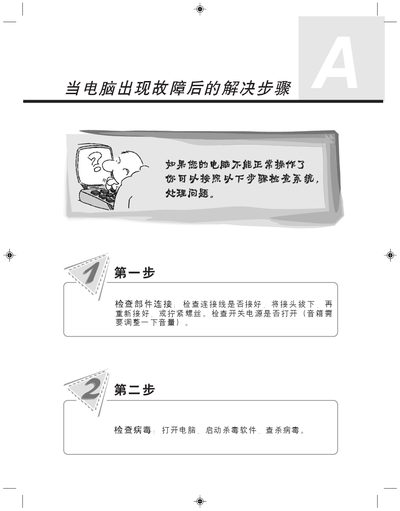
Check that all component connections are secure, re‑plug connectors, and ensure the power switch is on.