
This is the Lenovo Application User Guide (QT). It introduces the installation navigation, hard disk protection system, network control system, personal data expert, one-key recovery, and remote assistance functions, which are suitable for Lenovo notebook computers.
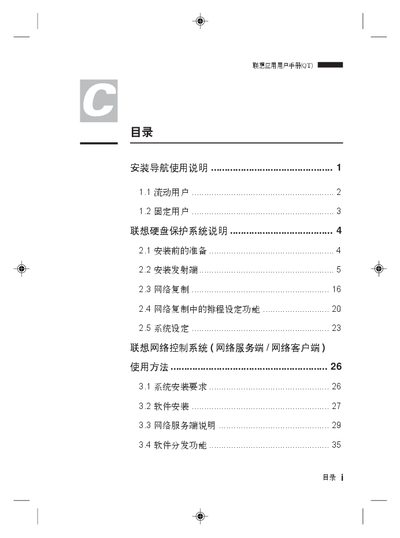
The manual describes the preparation steps before installation, including hardware requirements such as a maximum disk capacity of 2 GB and supported operating systems. It then guides the user through the installation process, configuration of IP settings, and activation of various functions like the near‑range assistance feature.
Additional sections cover the use of the application after installation, including how to manage user accounts, enable or disable USB and CD‑ROM interfaces, and perform system maintenance tasks such as re‑partitioning and data preservation. This manual is written in Chinese.
| Supported Operating System | Windows (non‑Server) |
|---|---|
| Maximum Disk Capacity | 2 GB |
No, the application does not support Windows Server versions.
The installation requires a disk capacity of 2 GB or less.