
The guide describes the hardware connection steps for the TV‑OUT feature, including the use of the S‑Video connector with correct orientation and the required cable. It also covers the basic device setup before powering on the computer.
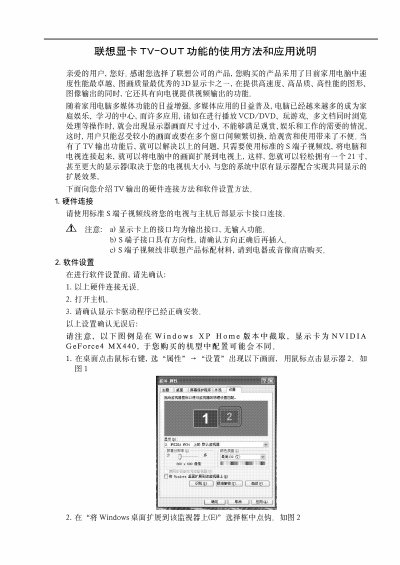
Instructions for configuring the TV‑OUT under Windows XP Home are provided, showing how to adjust display properties, set resolution (up to 1024×768) and color depth (32‑bit), and troubleshoot common issues such as small screen size or abnormal behavior when maximizing windows. This manual is written in Chinese.
| Maximum resolution | 1024×768 |
|---|---|
| Color depth | 32 colors |
| Supported operating system | Windows XP Home |
Connect the S‑Video (S) connector to the TV‑OUT port, making sure the connector’s orientation matches the socket.
The TV‑OUT function supports a maximum resolution of 1024×768 with a color depth of 32 colors.
Yes, when the window is maximized the TV‑OUT may show abnormal behavior, which is expected.