
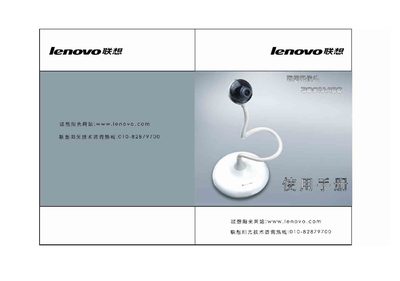
The ZOOM480 is a USB‑connected camera from Lenovo that supports up to 350,000‑pixel resolution and MPEG‑1/MPEG‑4 video capture. It works with Windows 98 SE, Me, 2000, XP and later versions that have DirectX 9.0b installed.
This manual covers hardware installation, driver and DirectX setup, the supplied capture software, configuration of video and audio capture settings, and answers to common problems such as storage limits, video capture failures, and USB connection issues. This manual is written in Chinese.
| Interface | USB |
|---|---|
| Maximum resolution | 350,000 pixels |
| Maximum playback resolution | 480,000 pixels |
| Sensor | CMOS, 380,000 pixels |
| Frame rate | 5‑30 fps |
| Supported operating systems | Windows 98 SE, Me, 2000, XP |
The camera automatically stops recording when the storage is full.
Reset the camera by unplugging and reconnecting the USB cable, then restart the capture software.