
The KEYENCE LV‑N10 Series digital laser sensor user manual provides safety instructions, installation steps, calibration procedures, and full specifications.
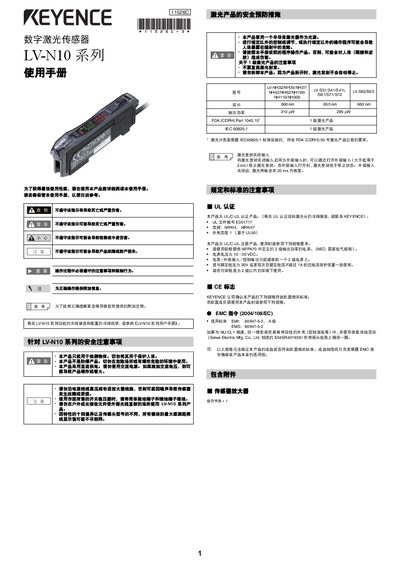
This manual covers safety precautions, installation on DIN rails or walls, and quick‑start wiring for the LV‑N10 series digital laser sensors. Detailed instructions explain how to connect sensor heads, adjust focus rings, and secure mounting brackets.
Operational guidance includes calibration methods (two‑point, maximum‑sensitivity, auto‑calibration), output mode selection, key‑lock functions, and troubleshooting of common errors. The specification section lists laser wavelength, output power, power‑supply requirements, environmental limits, and mechanical dimensions.
| Laser wavelength | 660 nm |
|---|---|
| Output power | 310 µW |
| Power‑supply voltage | 10 – 30 VDC |
| Operating temperature range | -10 °C to +55 °C |
| Operating humidity range | 35 % RH to 85 % RH |
| Maximum detection distance (MEGA mode) | 1200 mm |
| Response time (HIGH SPEED mode) | 80 µs |
Press the [SET] button once with no workpiece, then press it again when a workpiece is present; the sensor will set the midpoint between the two readings.